

Stick pack machine troubleshooting record at a glance
Use the table as the first page of a fault record, not as a repair procedure. Each row starts from what the operator sees on finished packs, names where to look without opening a guarded area, and lists the fact to write down before anything is adjusted. The last column says when the record is complete enough to send with the product, the film identification and your project requirements.
The manual for the installed machine still governs every adjustment, guard and stop procedure. Blank cells in your own copy are fine. A blank is more useful than a guess, because the next person reading the record can see what nobody checked.
Scroll horizontally to see all columns. Keyboard: focus the table and use the arrow keys.
| Symptom | What to look at | Every lane or one lane? | Write down next | Send it when |
|---|---|---|---|---|
| Seal leaks or looks dirty | Dust, drips or product strings in the seal on finished packs | Keep packs labelled by lane | Product batch, roll ID, lane, seal photos, steady run or after restart | The pattern repeats on labelled, photographed packs |
| Fill weight drifts or one lane differs | Weights for each lane over time, not one combined sample | Weigh each active lane separately | Lane weights with times, batch or formula change, bridging or settling seen | One lane stays different, or all lanes move with a batch change |
| Web wanders, wrinkles or tracks unevenly | Whether the movement repeats and on which lanes | Check every active lane | Roll ID; startup, sustained run or restart; roll change before it | The same movement repeats on one roll or returns with a new roll |
| Print, seal and cut out of step | Registration mark against seal and cut position | Compare packs from every lane | Roll ID; packs before and after a stop and restart | Every lane shows the same shift, or one lane differs |
| Packs differ after a stop | First packs after restart against steady-run packs | Compare the same lanes | Stop time, restart time, packs set aside | The difference repeats after more than one restart |
| Fault starts after a roll or formula change | What changed just before the first bad pack | Note whether all lanes changed together | Old and new roll IDs; old and new batch or formula | The fault follows the new roll or batch |
Why one fault can mean different things on a multi-lane machine
A stick pack machine forms, fills and seals single-serve packs from roll film. Powder, granule, liquid and gel machines differ mainly in the dosing unit and the parts that carry product. The film path, forming, sealing and cutting follow the same principle, so those are the parts every lane shares.
On a multi-lane machine, one web of film is formed, filled, sealed and cut across all the lanes. A packaging-film article published on 5 October 2026 spells out the consequence: a change in how that film behaves can show up in registration, sealing and consistency on more than one lane at once. Dosing works the other way. Each lane is dosed on its own, so one lane can run high, low or dirty while its neighbours look normal.
Judge fill and seal results lane by lane and over time, never from one combined sample. A combined average can hide one lane that runs differently, and a single bad pack pulled from the discharge says nothing about which lane made it unless someone labelled it when it was taken.
Related reading: How a Stick Pack Machine Works; Single vs Multi-Lane Stick Pack Machines
First split: does it happen on every lane or one lane?
Before any adjustment, collect packs from each active lane and keep them apart. Label each group with the lane, the time and whether the machine was in steady running or had just restarted. Then look at the pattern. When every lane shows the same fault from the same moment, start with what the lanes share: the film roll, the product batch and the conditions the whole web runs through.
When one lane shows the fault the whole time and the others do not, the question narrows to what belongs to that lane, starting with its dose and the product reaching its seal. The operation guide on this site separates these two clues on purpose. A fault that appears after a roll change is a different clue from a fault on one lane for the whole run, and the record should say which of the two you have.
Some faults sit in between: two lanes out of several, or a fault that moves from lane to lane. Write those down exactly as seen instead of forcing them into one group. The split exists to stop a shared cause being chased lane by lane, and to stop a single-lane fault being treated by changing something every lane depends on.
Leaking or dirty seals: check what is in the seal first
On a typical back-seal machine, the end-seal jaws close the bottom of the tube, the doser releases a portion, and the next end seal closes the top of that pack while forming the bottom of the next one. Because the dose falls between two end seals, product in the seal can start at the filler. Powder near the seal, or liquid left behind by a nozzle, can interfere with closure, so a leaking seal is not automatically a sealing-jaw problem.
For a fine or dusty product, product around the seal is a separate check from the film structure. A filler-selection article published on 10 September 2026 lists dust in the seal area among the signs of unstable powder dosing and describes it as able to reduce seal integrity. The sample-testing page on this site describes the same pattern from the product side: a cohesive or aerated powder can bridge, fill unevenly across lanes and lift as dust into the end seal.
Liquids and gels call for the same caution. The filler-selection article says many leaks and dirty seals on liquid and gel products come from dosing and cut-off, through drip, stringing or splash, and not from the seal jaws alone. Confirm that on the actual seals. Photograph a failed seal from each affected lane and note whether the contamination looks like dust, drips or a string of product.
Then look at the film side. A narrower sealing window leaves less room for variation in temperature, pressure and dwell, and those variables interact. This page gives no values for any of them, and your record should not propose one. Powder dosing and dust, or liquid shutoff and nozzle timing, are reviewed together with the seal, not as a substitute for a record of the film and product that made the failed packs.
Related reading: Stick Pack Film & Machine Compatibility; Stick Pack Machine Sample Testing

Fill weights that drift or differ by lane
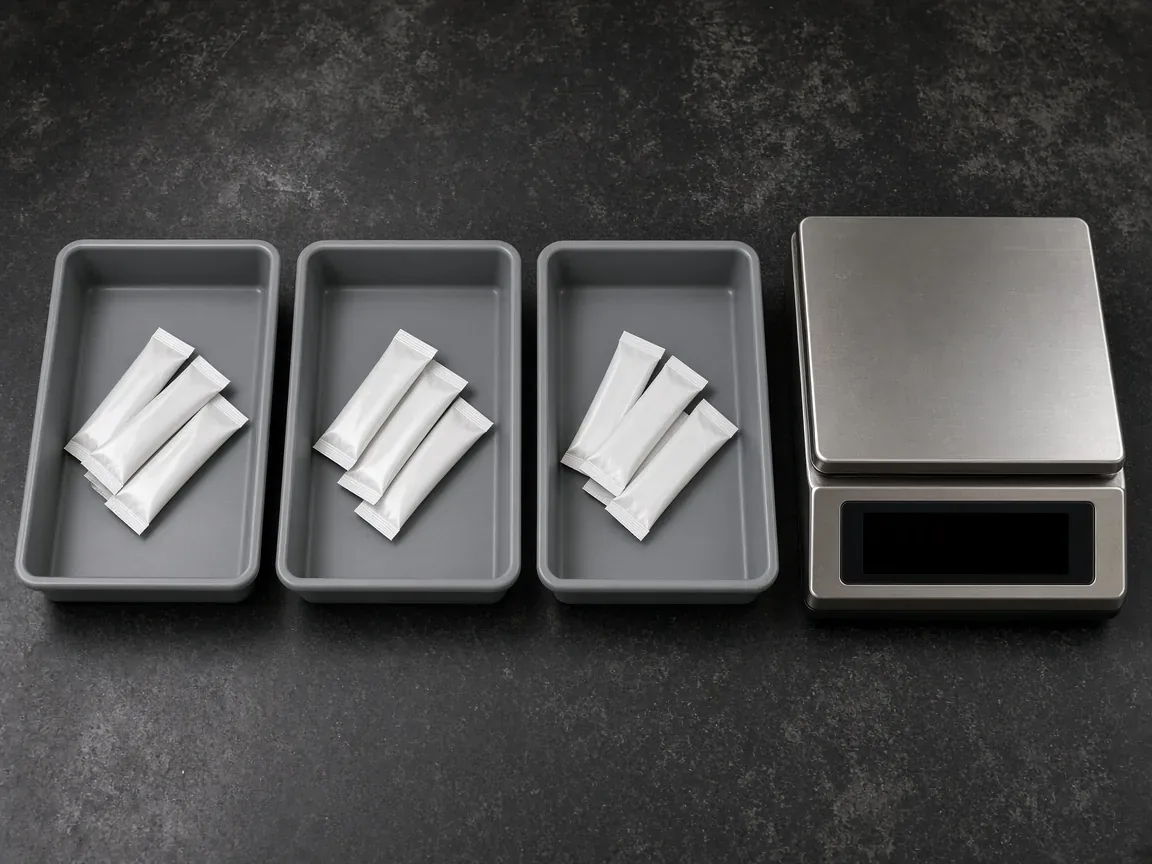
Weigh packs from each active lane separately and write the time beside each result. A combined sample can look acceptable while one lane runs high and another runs low. Keep the weights in lane order through the whole run, including the first packs after a restart, so that a drift over time can be told apart from a difference between lanes.
The filler-selection article describes unstable dosing as showing up in inconsistent weights or volumes, product that contaminates the seal, short stops, and a run that looks steady at low speed and not at production speed. It names hopper bridging and density change as common sources of auger instability, points out that the same volume is not the same weight once density changes, and says a volumetric cup's weight can shift for the same reason. Those are one article's observations about dosing, not results from a trial on your product.
For your record, the useful facts are the product batch or formula in use, whether the drift began after a new batch or formula arrived, and whether the operator saw the product bridging or settling. Two products with the same name can still flow differently, so a change of batch or supplier belongs in the record even when the label looks identical. Note the speed as it was set when the drift appeared. Do not judge it against a reference figure; this page does not define a speed at which a machine counts as faulty.
Related reading: Single vs Multi-Lane Stick Pack Machines; Stick Pack Machine Sample Testing
Web tracking, wrinkles and print-to-cut registration
Web tracking can be judged only with the real film. During a run, record whether the web tracks on every active lane, whether wrinkles or sideways movement repeat, and whether they appear at startup, during a sustained run or after a restart. Write the roll identification next to each observation. Without it, nobody can show later whether two observations came from the same roll.
The packaging-film article names sealing behavior, coefficient of friction, thickness consistency and dimensional stability as film properties that can change how the web runs, even when a barrier specification looks acceptable. If friction differs between rolls, web tension and tracking can change, and registration or seal placement can move even though nobody changed the machine settings. Thickness that varies across the web or between rolls can change how the film responds as it enters the seal area.
Print, seal and cut stay together when the registration mark, the sensor and the web layout agree. Check packs from every lane, and check again after a stop and restart. If the print shifts the same way on every lane and the shift started with a new roll, put the roll at the top of the record. If one lane alone shows the shift, note it as a single-lane observation and keep those packs apart.
Related reading: Stick Pack Film & Machine Compatibility
When did it start: startup, steady run, restart or a change?
Packs made after a stop can differ from packs made in steady running, so the record needs both. Note the time of the stop, the time of the restart and which packs were set aside, then compare the first packs after the restart with packs from the middle of a sustained run on the same lanes.
A short trial can miss changes that appear only when the speed, the roll, the sealing conditions or the room change during a longer run. That point, from the packaging-film article, works in both directions. A fault that shows up only well into a long run is real even if a brief check looked clean, and a fault seen once during a brief check needs a longer run before anyone draws a conclusion from it.
Write down every change that happened before the first bad pack: a new roll, a new product batch or formula, a speed change, a cleaning stop or a change in the room. If two things changed at once, say so. A record that lists only the symptom leaves the next person guessing what changed.
What this checklist does not replace
This page is a first-look record, not the machine manual. The manual for the installed configuration takes precedence over any general description here, and a manual written for a different lane count, dosing unit or control layout may not match your machine. Adjustments, cleaning and stop procedures follow that manual and the people trained on it. Nothing in this record asks anyone to open a guarded area, bypass a protective system or work on electrical parts.
It is not a factory acceptance test either. A FAT is the agreed check of configuration, lane results, seals, output and handover records before dispatch, and the buyer confirms agreed behavior there without bypassing guards. If a record points to a part that has to be replaced, identifying it is a spare-parts request: it needs the machine plate, the part's place in the assembly and photos, and availability and lead time are confirmed per request. A forming set, for example, is matched to stick width; this page does not say which part to order.
Seal temperature, pressure and dwell stay off this page on purpose. The packaging-film article says those variables exist and interact; it gives no numbers for your film and product, and neither does this checklist. The reference rates and widths quoted on other pages of this site describe typical machines. They are not thresholds below which a machine is broken.
Related reading: Stick Pack Machine FAT Checklist; Stick Pack Machine Spare & Change Parts; Stick Pack Machine Installation & Training
Sending the product, film sample and project requirements
When the pattern repeats and the record shows which lanes, which symptom and what changed, it is ready to send. Share your project requirements with it: finished pack dimensions, fill-weight range, the output the line is trying to hold, and the symptom notes from this page. Say whether the fault is on all lanes or one, whether it is a seal, weight or tracking problem, and whether it followed a roll, formula or speed change.
Describe the actual product: what it is, whether it is a powder, granule, liquid or gel, and the handling already noted, such as dusting, caking, stickiness, settling, bridging, drip or stringing. For the film, send the grade or material code and the roll or batch identity first. A physical film sample, like a product sample, is the next shipment. It goes out only after sample handling, quantity, fees and freight have been agreed for the project. Do not ship material before that scope is in writing.
StickPackMachine uses that brief to discuss whether a trial is needed and what setup, materials, cost and results it would require before any samples ship. The website does not state a standard response time; if your project needs a response-time commitment, it has to be written into the project agreement.
Related reading: Stick Pack Machine Sample Testing
Method and sources
Written 13 October 2026 from this site's published pages on machine operation, lane arrangements, film, factory acceptance testing, sample testing, installation and spare parts, and from two third-party articles: a packaging-film article published on 5 October 2026 and a filler-selection article published on 10 September 2026. Statements from those articles are reported as their descriptions, not as tests StickPackMachine has run. The checklist reorganizes published points into a record and adds no machine specifications, settings or fault thresholds.
Common Questions
Why does one lane of a stick pack machine fill heavy or light?
Each lane is dosed on its own, so one lane can run differently while the others look normal. Weigh that lane separately over time, including after a restart, and record the product batch. A combined sample can hide the difference.
What should I record when every lane goes wrong after a roll change?
Every lane shares one web, so a change in how the film behaves can show up on more than one lane. Record the old and new roll IDs, keep packs from before and after the change, and note whether tracking, registration or seal placement moved.
Should I change the seal settings when stick packs leak?
This page gives no seal settings. Product in the seal can start at the doser, and temperature, pressure and dwell interact within the film's sealing window. Record the seal photos, product and roll first, and follow the manual for the installed machine for any adjustment.
Can I send a film sample straight away?
Send the film grade or material code and the roll or batch identity first. A physical sample ships only after handling, quantity, fees and freight are agreed for the project.