

Read lane count and cycles together
Nominal output is lane count multiplied by cycle rate. When we size a multi-lane stick pack machine for your project, we specify the active lane count, the cycle rate per lane, and the exact powder, granule or liquid formulation used for the speed assessment. We record the machine configuration and target stick dimensions in your production worksheet and use the same baseline throughout our Factory Acceptance Test (FAT) report.
In our common-web multi-lane architecture, a single wide master film roll is slit into individual lane strips, and common sealing and cutting jaws separate the sticks across every lane on the same machine cycle. During your capacity trial, we log the active lane count and verify the output and weight uniformity of each individual lane alongside the total line output.
Our four-lane powder stick pack reference configuration runs about 30–40 cycles per lane per minute, producing roughly 120–160 sticks per minute. We use that reference configuration as the starting baseline for product-specific sizing and pair every quoted speed with your film laminate and fill weight, keeping nominal cycle rate distinct from net accepted output.
Related reading: Single vs Multi-Lane Stick Pack Machines
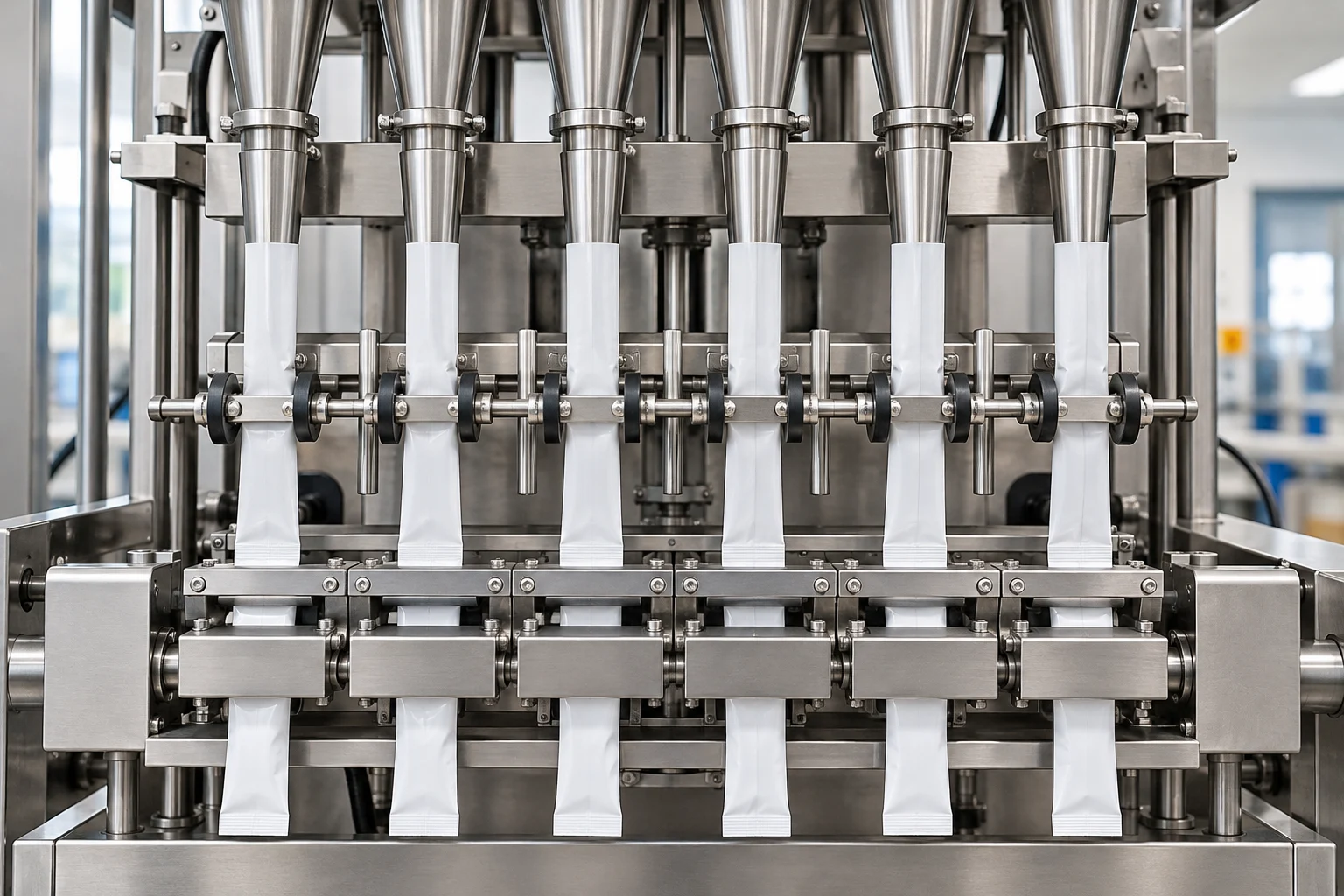
Stick pack machine output calculator: choose the rate basis
Build the worksheet around the measurement you have. Name the rate field, identify its collection window, and specify whether the count is gross or accepted. Record the active lanes, the scheduled interval, the excluded stops and the accepted-count result. Before entering a rate from an earlier trial, check its definition against the fields in the current worksheet.
Estimated accepted packs = active lanes × r × (T − S) × y. For this running-rate calculation, use r for gross packs per running minute per lane, T for scheduled minutes, S for excluded stops and changeovers and y for accepted packs divided by total produced packs. Enter the actual trial values in those fields. Keep the supporting count record and stop log with the worksheet, and ask the reviewer to check the calculation against them.
Estimated accepted packs = active lanes × R × T. For this elapsed-rate calculation, use R for accepted output per lane per elapsed scheduled minute and T for the elapsed scheduled minutes. An accepted elapsed-minute rate already includes stops and rejects; do not apply them again. Choose this route when your measurement record uses that accepted elapsed-time definition. Label the collection window in the worksheet and retain the corresponding accepted-count record.
Sum measured accepted lane rates when lane results differ. Ask for the lane results alongside the line total. Review the collection interval and accepted-count decision for each lane before combining the results. Keep the raw entries available when discussing an output difference, and repeat the relevant observation if the lane identity or measurement window is unclear.
Scroll horizontally to see all columns. Keyboard: focus the table and use the arrow keys.
| Input to record | Running-rate worksheet | Elapsed-rate worksheet |
|---|---|---|
| Lane record | Enter active lanes; retain lane observations | Enter active lanes; retain lane observations |
| Rate record | Enter gross running rate per lane | Enter accepted elapsed rate per lane |
| Time record | Enter scheduled time and excluded stops | Enter elapsed scheduled time |
| Count record | Enter accepted and total counts | Retain accepted-count record |
Calculate OEE from the same production window
OEE = Availability × Performance × Quality OEE measures the percentage of Planned Production Time that is truly productive. Start the OEE worksheet with the agreed production window. Use a consistent count basis and time basis throughout the calculation. Name the product and configuration in the worksheet header, and retain the run record used for the calculation.
Ideal Cycle Time is the fastest cycle time achievable in optimal circumstances. Ideal cycle time excludes all losses. Do not include slow cycles or small stops when establishing ideal cycle time. Ask the trial team to identify the ideal-rate basis separately from its observed running rate. Put the basis beside the calculation before comparing OEE results between runs.
Run Time = Planned Production Time − Stop Time Availability = Run Time / Planned Production Time Performance = (Total Count / Run Time) / Ideal Run Rate Quality = Good Count / Total Count Enter the measured counts and times against the corresponding formula. Review the stop log, total count and accepted count together before signing off the result.
OEE = (Good Count × Ideal Cycle Time) / Planned Production Time Use this relationship as a reconciliation check against the factor calculation. Keep the same planned production window and count definition in each calculation. Resolve a discrepancy by returning to the worksheet inputs and the original run record, then document the correction beside the final result.
Film splicing: put the changeover in the time record
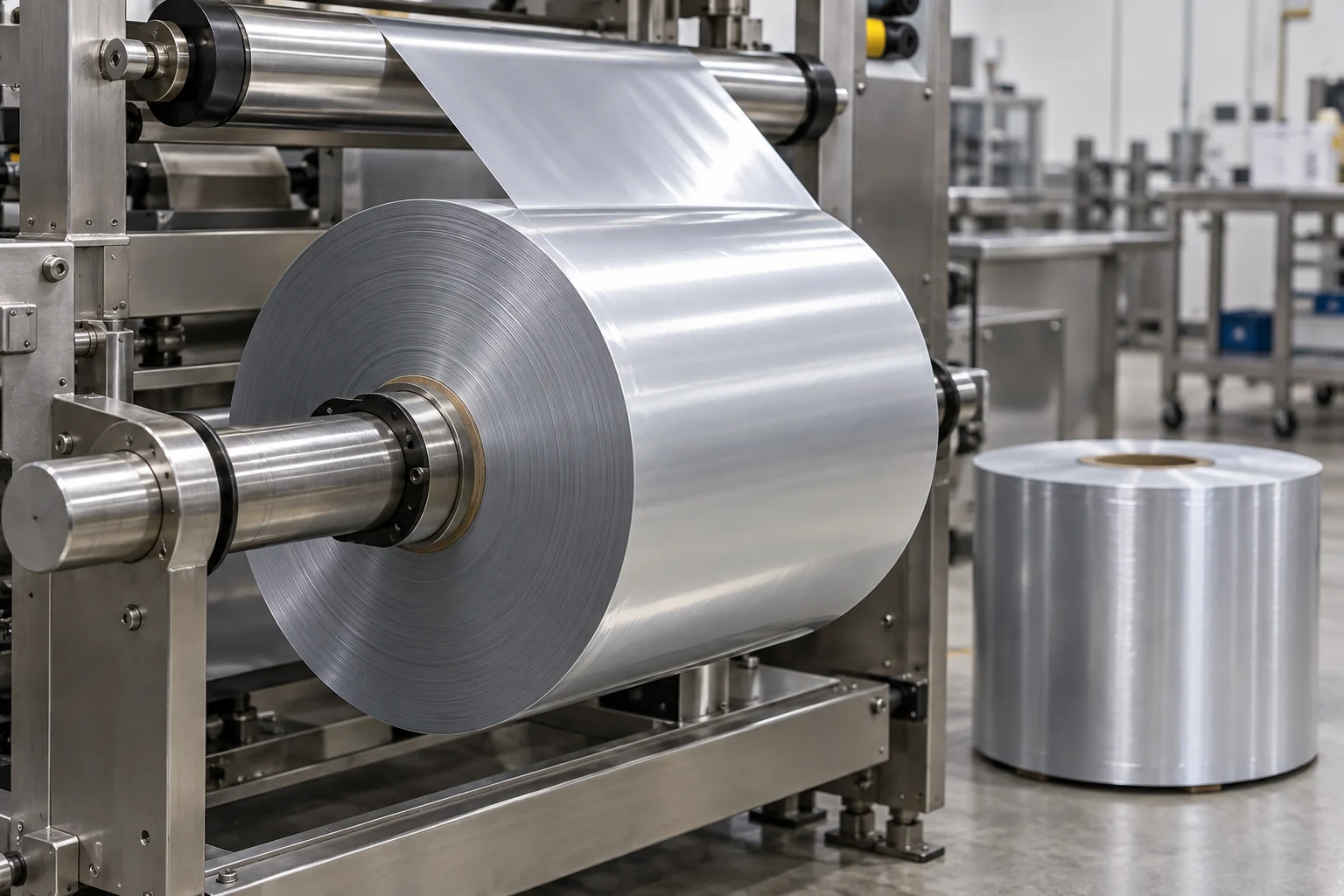
Our multi-lane stick pack machines include an unwinder splice bar that clamps the trailing web of the expiring reel while the operator aligns and tapes the leading edge of the new master roll before drawing the splice through the slitter shafts and forming collars. During your factory acceptance trial, we demonstrate a full reel replacement and splice sequence, logging the interruption start and end times, restart web tracking, and first-cycle packet checks.
Changeover time is included in OEE Availability, where setup and web adjustments are tracked as a planned Availability loss. Keeping the film-change duration in the production time log lets your operations team model real shift output accurately across different master roll diameters and laminate thicknesses.
Exclude shift time with no intention of running production from planned production time. Write the scheduling rule above the time log before the trial. Identify periods intended for production and record the events observed within them. Agree how the team will record reel changes, cleaning and product changes, then use that convention throughout the review.
Separate time losses, speed losses and rejected output
Equipment failure is an Availability loss. Material shortage can cause an unplanned stop. Cleaning can be classified as a planned stop. Use explicit event descriptions in the stop log. Ask the operator to record what interrupted the run and which material or equipment was involved. Keep the observations attached to the trial rather than replacing them with a general efficiency comment.
Idling and minor stops are a Performance loss. Material jams can cause minor stops. Reduced speed is a Performance loss. Performance includes slow cycles and small stops. Review the running record alongside the stop log. Identify the observation that supports each loss classification, and keep the classification convention consistent between the initial trial and any repeat.
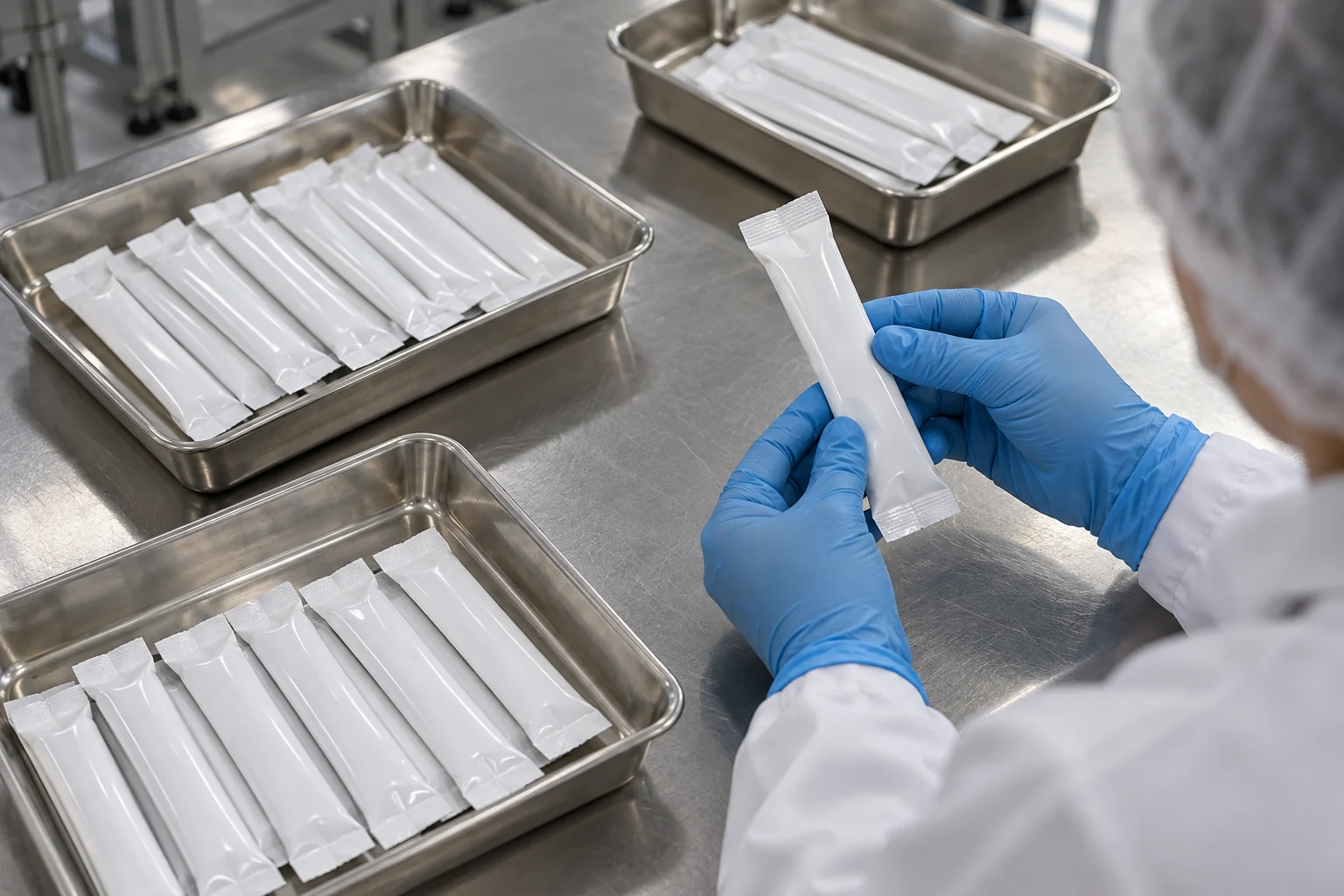
Steady-state process defects are a Quality loss. Startup reduced yield is a Quality loss. Quality losses include parts needing rework. Set out the accepted-count criteria before collecting packets. Retain the decision for each sampled group and distinguish the startup observations from the later run observations. Ask for the total count and accepted count in the same report, with the disposition of rejected packets recorded alongside them.
External losses include upstream starvation and downstream blocking. Include the surrounding line in the trial agenda. Ask the team to log the observed reason whenever supply or discharge interrupts the agreed test. Review those entries with the machine record before choosing the next action, and assign a repeat observation to any unresolved event.
Review the schedule before planning the next order
TEEP = OEE × Utilization Utilization = Planned Production Time / All Time TEEP measures the percentage of All Time that is truly productive. Choose the planning period and list the intended production windows. Keep the calendar review beside the OEE review. Ask production planning to identify the product assigned to each window and the count needed for the order.
A simple average of product OEE scores does not account for each product’s production time. Keep product-level records available when reviewing the production plan. Inspect the production time, count and rate basis for each product before accepting a combined result. For the next order, request a schedule review using the intended product and the agreed trial record, then document the accepted planning inputs.
Bring the capacity worksheet, film-change log and packet assessment to the final production discussion. Ask for a decision on each unresolved item and a named owner for the next check. Use the production-cost guide for the commercial worksheet and the guides hub for the broader equipment review. Send the intended product, pack format and required accepted output with your enquiry.
Related reading: Stick Pack Machine Buying Guides; Cost per Stick Pack: Production Cost Formula & Film Yield Worksheet; Stick Pack Machine FAT Checklist
Sources
- StickPackMachine — Multi-Lane Stick Pack Machine Engineering & FAT Protocol
- StickPackMachine — Single Lane vs Multi Lane Configuration Guide
- Vorne — Calculating OEE
- Vorne — OEE FAQ
- Vorne — Six Big Losses
- Vorne — TEEP